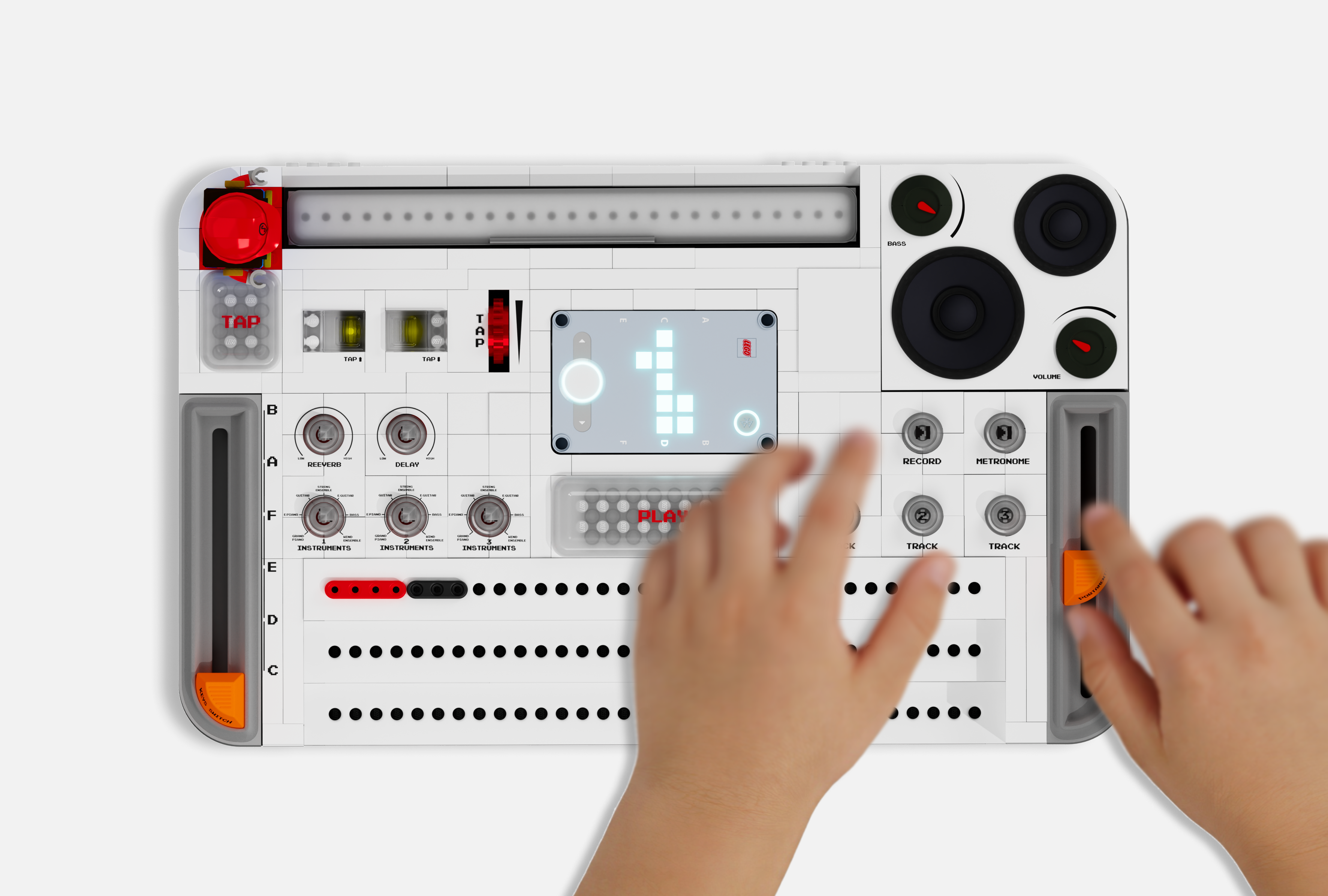
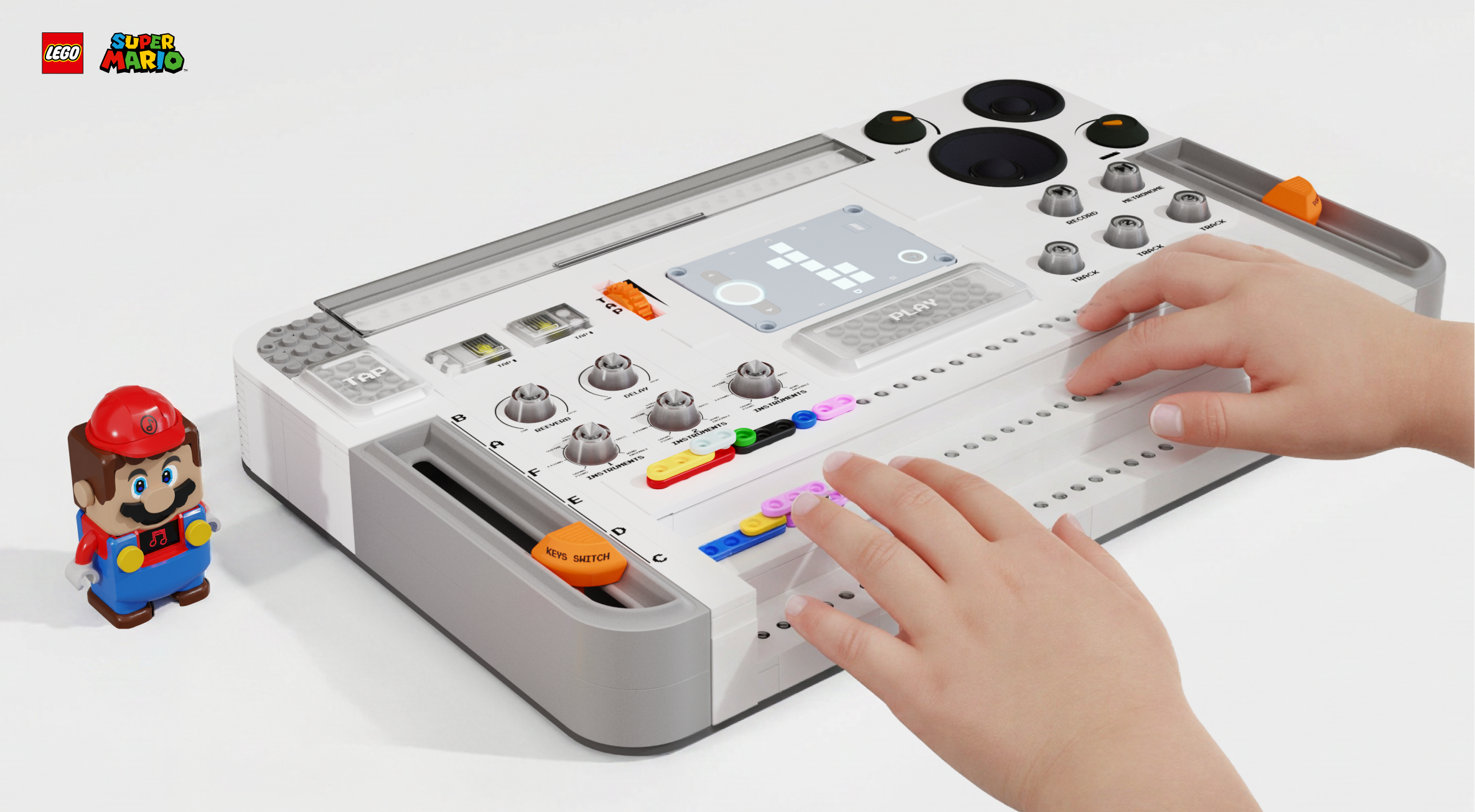
LEGO MIDI Box inspires 5+ year old to grow on basic music knowledge by providing them with fun activities and creative learning experience.
Category:
Product Design Interaction Design
Tools:
SolidWorks, Rhino Adobe Creative LEGO Part designer
Duration:
2022
Role:
Industrial & Interaction Designer
01.
Problem Statement
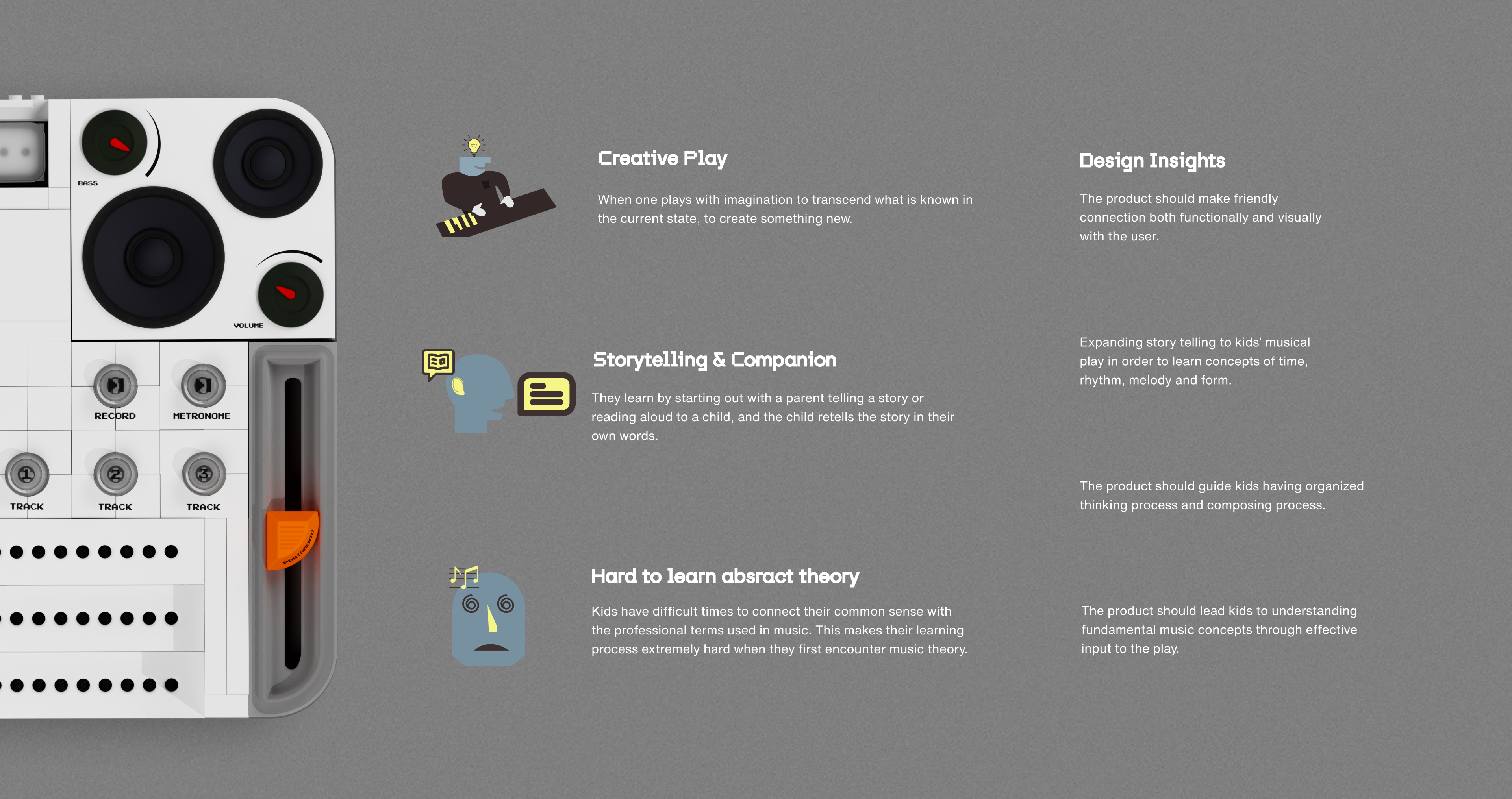
Learning a musical instrument and music theory can be challenging and overwhelming.
Since learning a musical instrument involves many rules, beginners often give up when they become frustrated by their inability to play anything quickly and overwhelmed by complex music theory.
Why Kids & Design Opportunity
Since music instrument requires lots of rules to learn. Beginner would give up on learning them once they are tired of not playing anything soon and tired of learning complicated theory.
02
How to improve music learning process according to the insight?
Learning a musical instrument and music theory can be challenging and overwhelming.
Since learning a musical instrument involves many rules, beginners often give up when they become frustrated by their inability to play anything quickly and overwhelmed by complex music theory.
03.
Why LEGO?
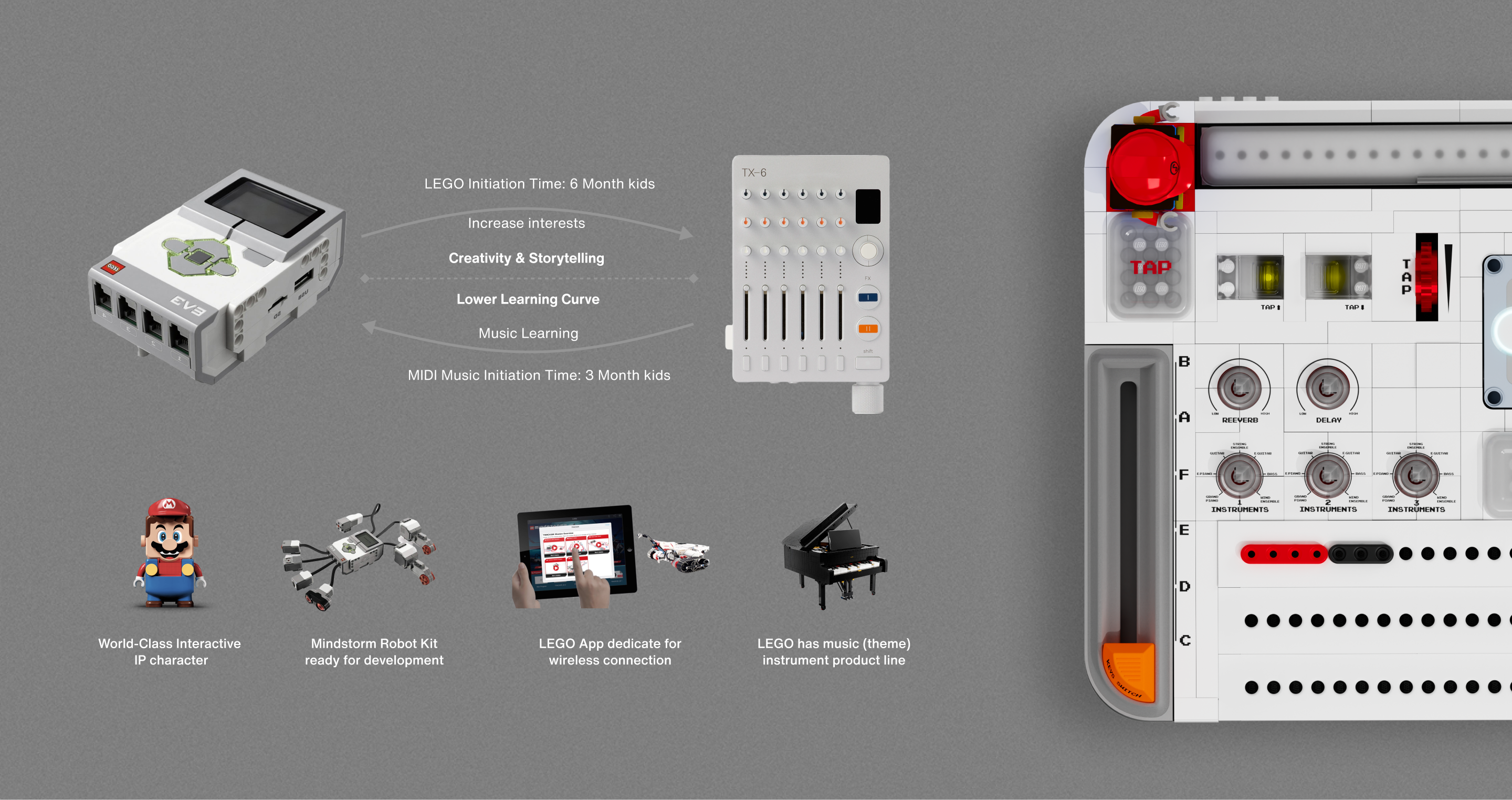
LEGO is one of the most popular brands among young people, especially children; LEGO has a wide range of product line, STEAM education is one of the welcomed one.
LEGO has a series of well-known and kids loved co-brand IP character. LEGO's initiation time for children and the initiation time for music basically coincides with.
LEGO Mario Brick Scanner with color sensor
how to use?
Music Bricks
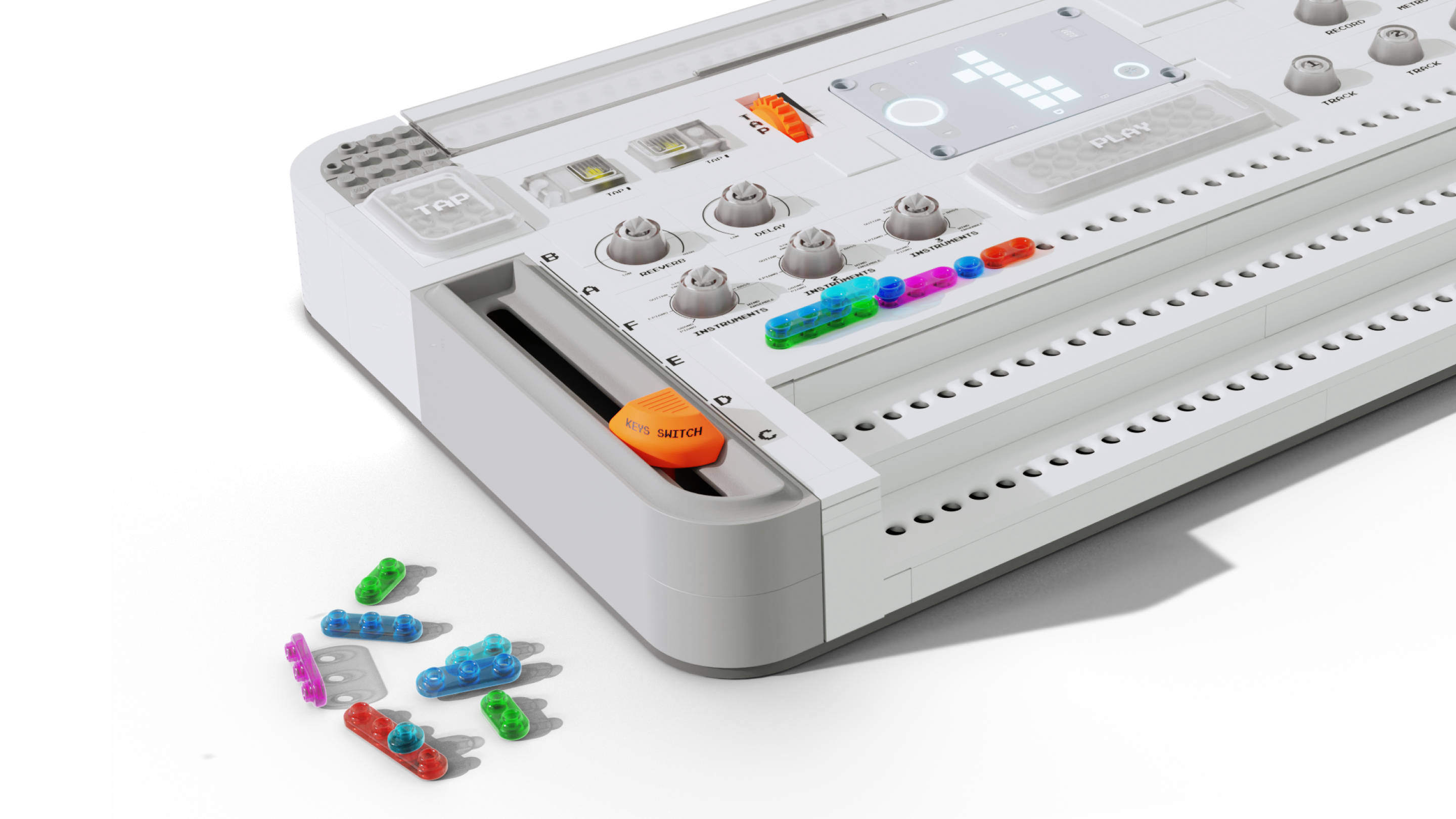
Use special translucent LEGO music bricks to replace traditional musical notes, achieving a more visually expressive design goal.
To make the brick scanning process more accurate, we use colorful plastic with transparency to design a set of music notes brick. When use Mario scanning the stacked notes brick, light will pass through the colorful transparent brick, overlaid color will be recognized by Mario color sensor.
04.
LEGO Mario and LEGO Part designer
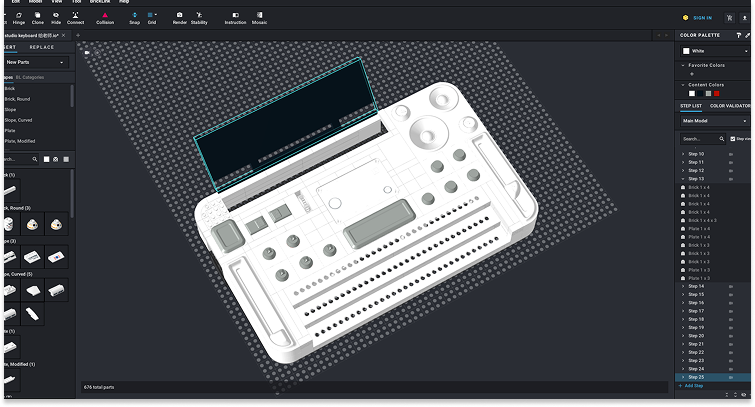
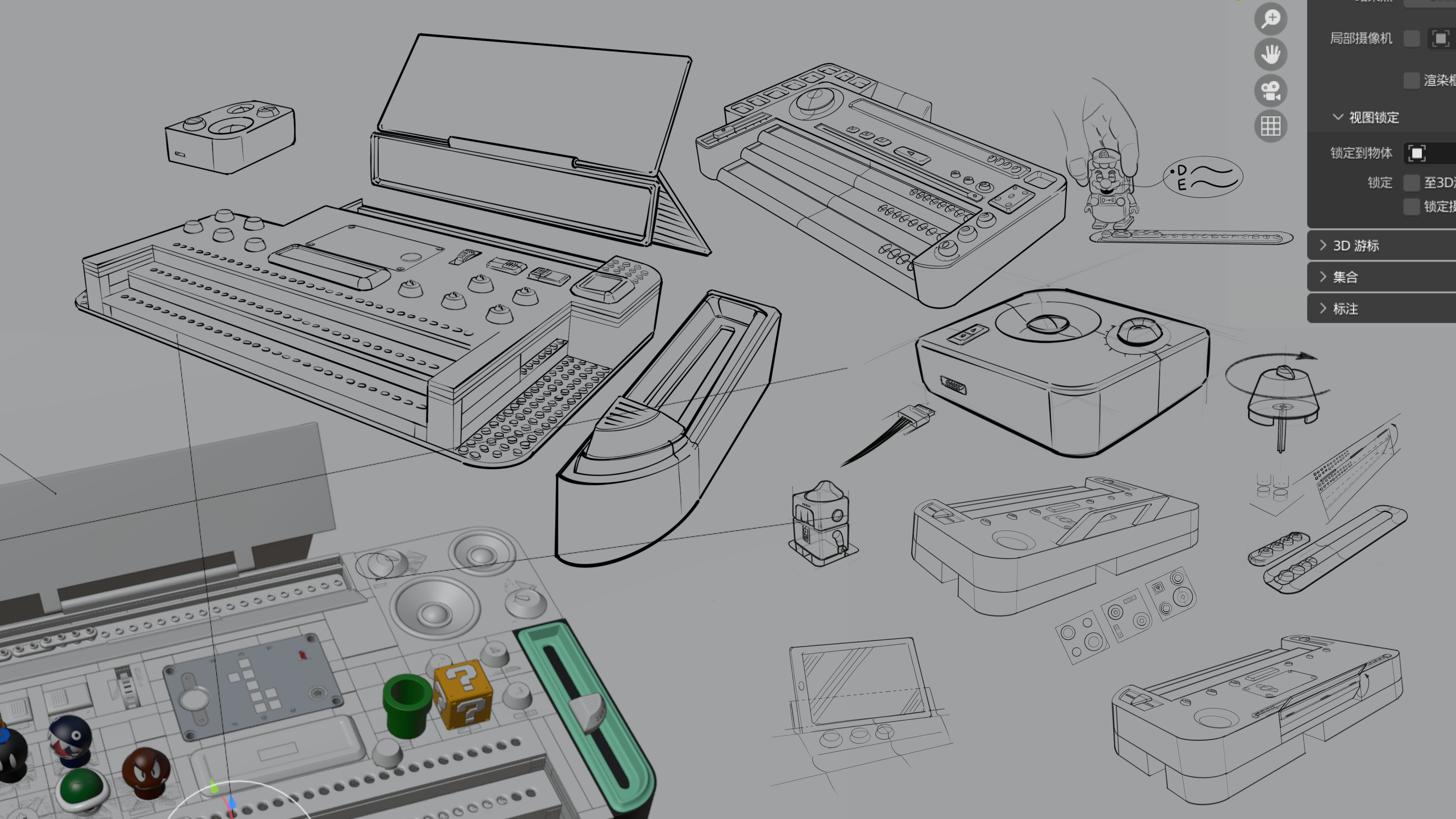
To align with LEGO's brand design and design language, we need to utilize the LEGO Mario IP and LEGO Part Designer, along with Blender, Rhino, and SolidWorks, to create unique LEGO modules and bricks while also incorporating existing LEGO bricks.
LEGO Part Designer + CAD
05.
Product Features
The product not only includes standard MIDI features but also has a redesigned layout for tracks, buttons, and knobs based on the music bricks.
06.
Functions
From a product design perspective, the need for additional modules and specialized components is defined by our approach to refining MIDI functionality. We have carefully streamlined the features, emphasized key functions while eliminated complex elements to create a more focused and user-friendly design.
07.
Digital Interaction for MIDI: Usage Introduction
While the product has achieved a physical design transformation (from musical notes to music bricks), we also need to develop a digital platform to complement our design. This platform will systematically record music creation and learning data, enhancing the overall experience.
08.
The app mainly provides three core functions. Players can use scan mode to add their finished models to the My Notes List. After entering Project Mode, players can view the complete notes lists and compose directly through the iPad without needing MIDI.
Users need to press the center button to turn it on, then tap "Scan" to initiate Bluetooth pairing and connection.
In Recognition, move Mario to identify bricks, which are displayed accordingly. Unrecognized bricks appear as question marks, allowing users to adjust them in Edit or default to the lowest layer when proceeding.
Users can swipe left or right to navigate. If the system inaccurately determines a brick's length, they can long-press the brick to adjust its length.
In Brick Length Adjustment, all bricks are split into individual pieces. Users can slide to connect bricks, and once confirmed, the adjustment is complete.
If the system cannot determine a brick’s position, users can tap the question mark or enter Edit mode for automatic positioning and confirmation. The system will resolve multiple unclear positions sequentially before allowing further edits.
Scan mode
Scan Mode and Analysis
In most cases, Mario can identify the colors and positions, but it’s missing the spatial radar sensor. Thus, there will be situations where the positions can’t be identified in some placements. Mario can successfully identify when there are three layers of bricks. However, it can’t accurately spot the positions with one or two layers.
Project mode
Project Mode
In Project Mode, users can create music directly on an iPad instead of using a keyboard.
Game Mode
Game Mode
Integrate Mario's game with our product by building a "Music Bridge" as the core game system.
Game Mode
Gameplay Screen Showcase
Music-driven interaction integrated with Mario gameplay, shaping an engaging play experience.
Ecosystem
Ecosystem design
A complete product ecosystem, combining building, interaction, and play into a unified experience.
An innovative solution to attract younger generation in learning music.